 920002157
 support@bontech.sa


Faster ordering
Give guests a quicker way to start and place orders .


Give guests a simple way to scan the menu, place orders, and enjoy a more convenient dine-in experience from the table.
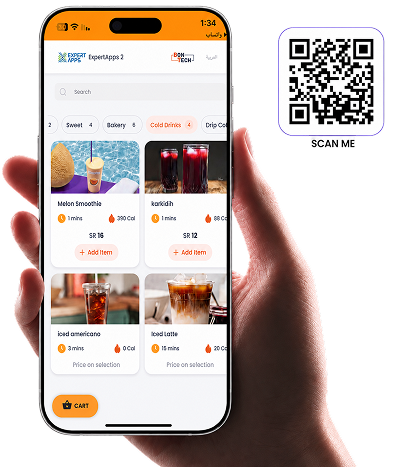
A simple ordering flow connected to your menu, POS, kitchen workflow, and payments.
Guests open the QR code to access the menu instantly, with each QR connected to the right branch, menu, and ordering flow in BonTech.
Guests view items, prices, and availability from their phones. The QR menu stays connected to your live menu in BonTech.
"After guests send their orders. The orders are go straight to your POS and kitchen workflow."
Guests can follow order progress from their phones. Status updates reflect kitchen workflow.
Guests can split the bill, add tips, and complete payment from their phones.
A simple ordering flow that helps guests scan, browse, order, track status, and pay from the table.
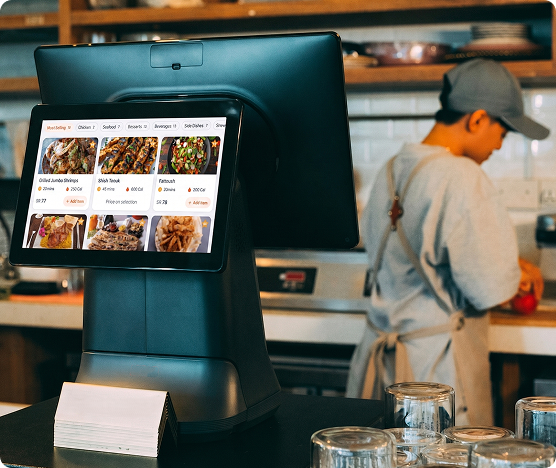
BonTech QR Ordering is connected to your restaurant system, so orders do not stay separate. Guests scan, browse your live menu, and send orders directly into your POS and kitchen workflow.
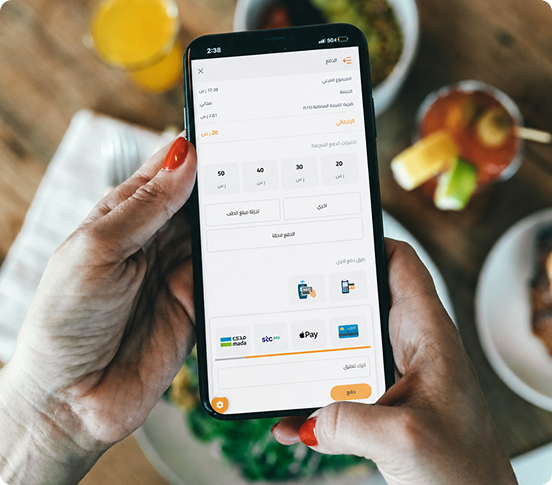
Give guests more flexibility at the table by letting them view the bill, split it, add tips, and complete payment directly from their phones.
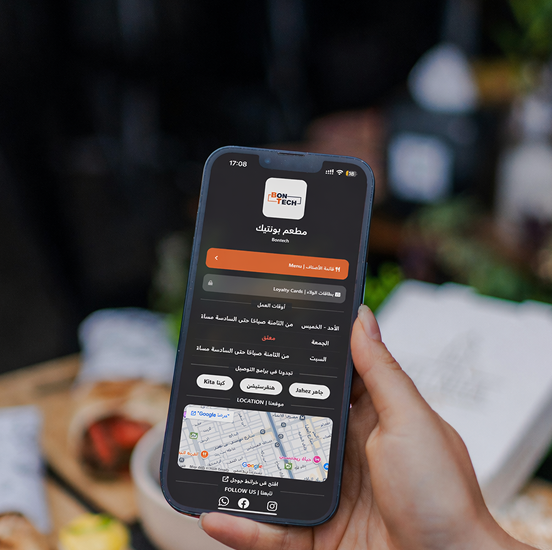
BonTech helps restaurants shape the QR experience to match their brand and branch setup, so the page feels consistent with the restaurant and works better across multiple branches.
Give guests a quicker way to start and place orders .
Reduce delays during busy hours and keep service moving more smoothly.
Make order details clearer and reduce miscommunication during service.
Support your team with a more organized and efficient service flow.
QR Ordering is part of the BonTech system connecting tables, your live menu, POS, and kitchen workflow in one connected operation.
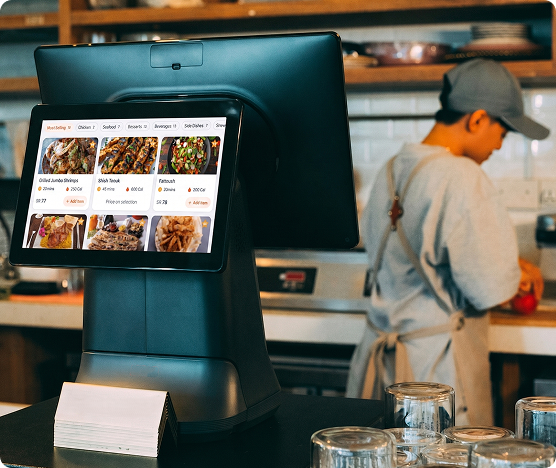
Keep orders, billing, and payments moving from one connected POS
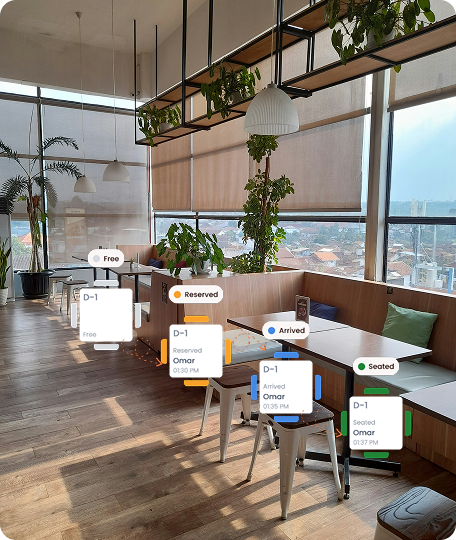
Manage tables,reservations, and waitlists in one placeand waitlists in one place
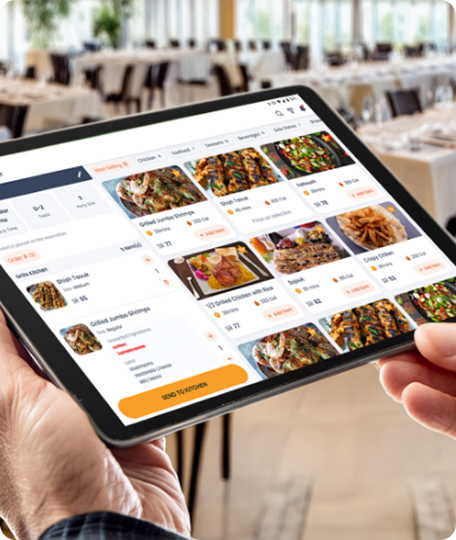
Manage one connected menu across POS, QR ordering, and kitchen operations
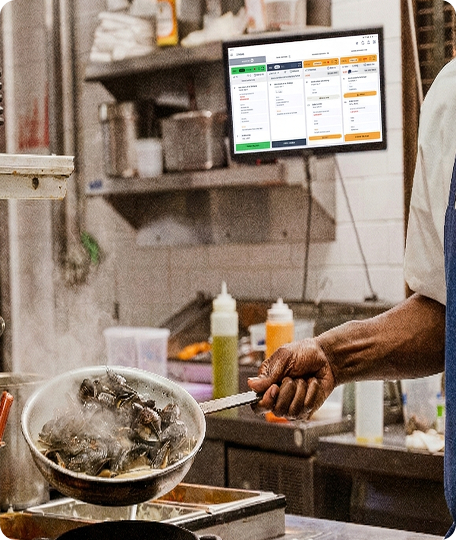
Stop missing orders. See every ticket clearly. Keep the kitchen moving.
Real feedback from restaurant teams using BonTech in their daily operations.
BonTech supports our daily operations with fast support and easy access to help when needed.

Our experience with BonTech has been excellent. It helped us organize purchasing and make the workflow faster.
BonTech helps us manage our daily work smoothly, and the support team is always quick to help.
BonTech QR ordering puts your live menu within easy reach in seconds. Orders go straight to the KDS. Payments go straight to the POS. Your staff focus on service, not running back and forth.
Book a demo


